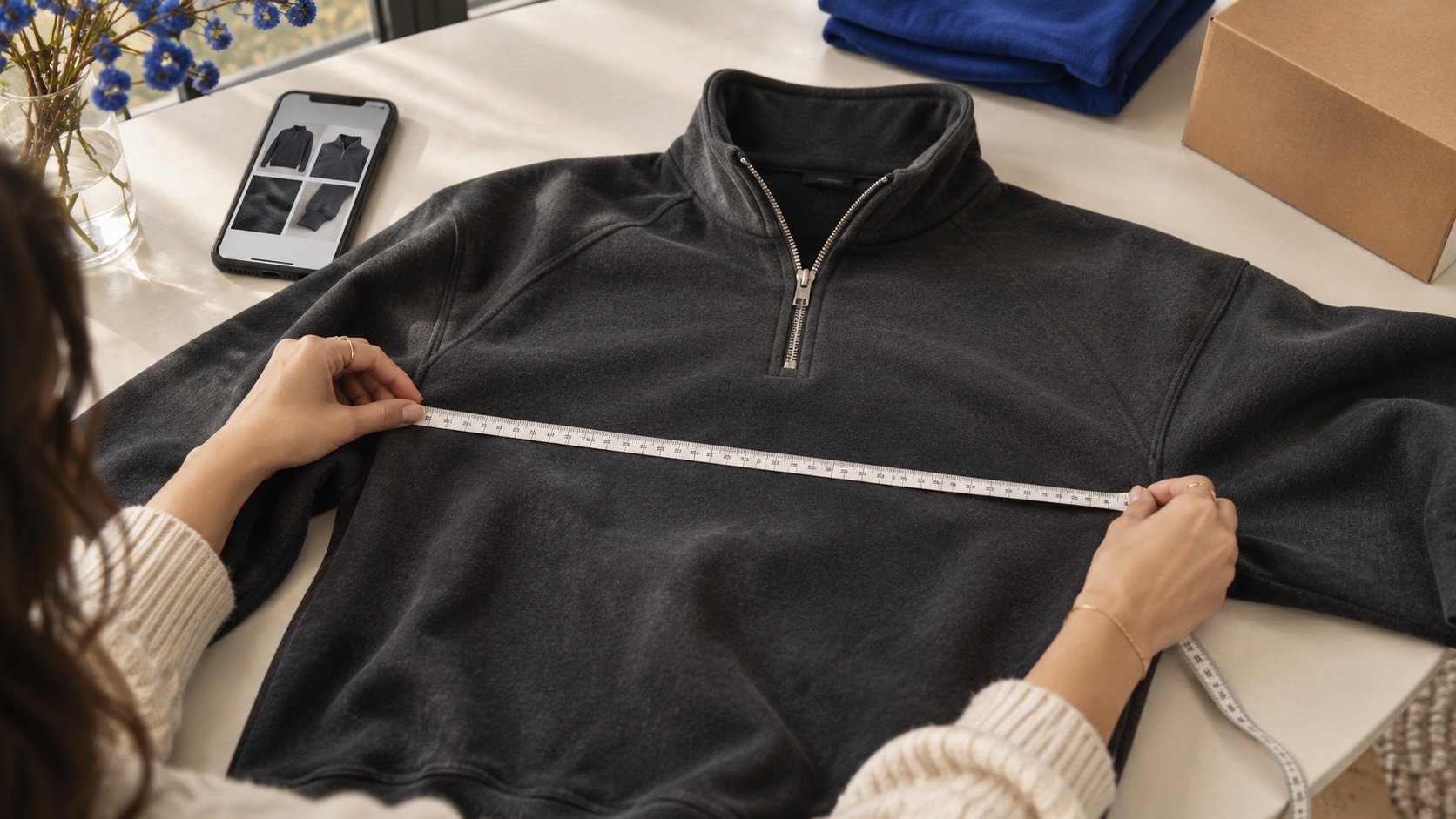
An attractive product photo is not enough to decide whether an item suits you. QC photos give you a chance to pause, inspect visible details and ask specific questions before shipping. This guide helps you spot missing information and avoid treating a photograph as proof of things it cannot show.
Separate listing photos from the QC for your order
A seller’s image presents the item. Warehouse QC records an inspection. USFans explains that it takes photographs after receiving an item. Check which order a photo belongs to: another shopper’s pictures can be a reference, but they do not replace checking your own unit.
Write down the model, colour and size you selected before comparing details. If several similar items are in your warehouse, open the correct order. Keep the original listing screenshot so you have a clear reference rather than relying on memory.
Look closer. Compare what you can see.
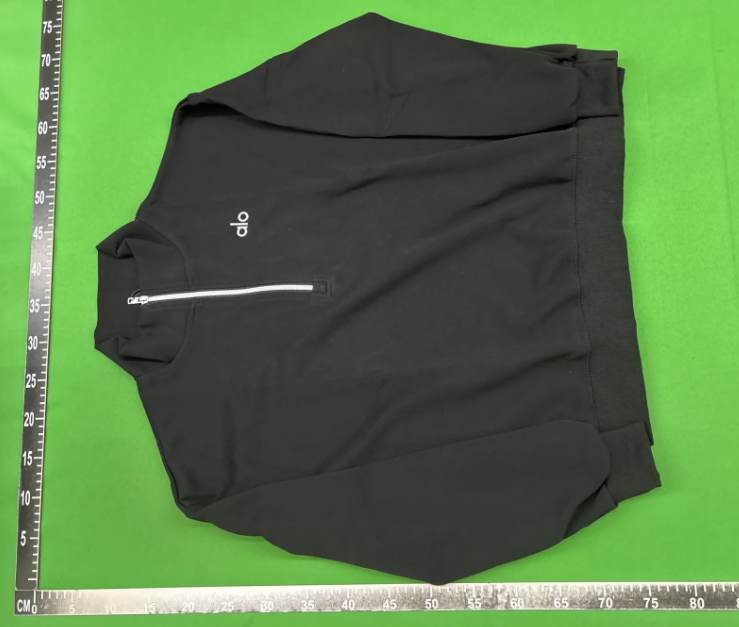
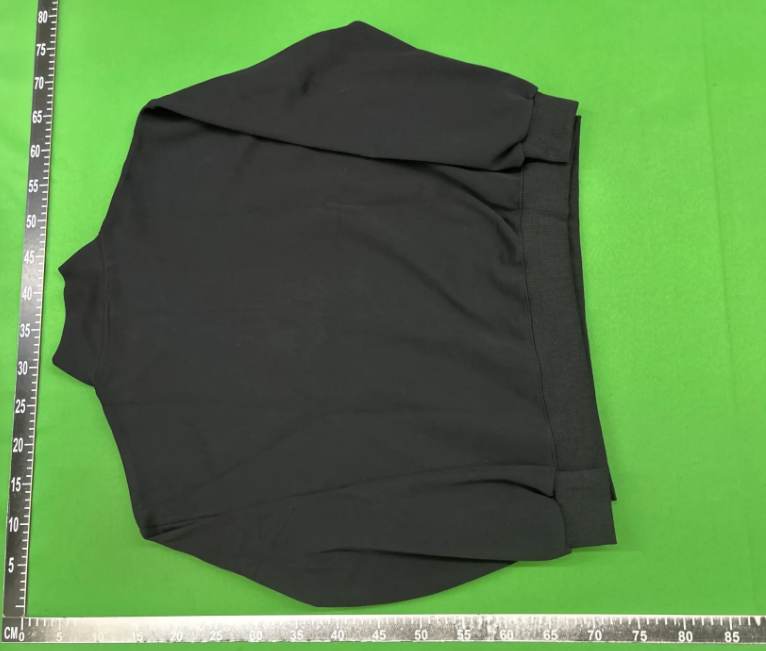
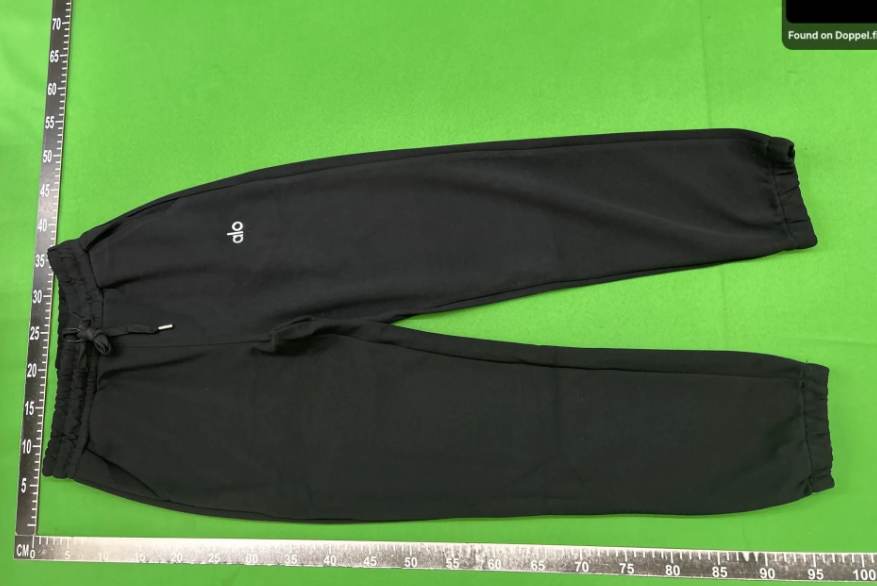
Check the variant and measurements first
Start with the mistakes that are easy to overlook: colour, selected size, overall shape and included pieces. Do not infer the fit from an M or XL label. Compare centimetres with an item you already own and check how the seller measured the garment.
A measuring-tape photo is only useful when you can see both endpoints. For a hoodie, chest width and body length may tell you more than a distant size-label photo. If a decisive measurement is missing, ask about it before moving to the next step.
- Width: establish whether the number is a flat width or a full circumference.
- Length: identify the exact starting point of the tape.
- Sleeves and shoulders: check them when a particular fit matters.
Choose an exact listing
Confirm the variant
Review your warehouse photos
Check the shipping conditions
Inspect specific details, not just the overall look
Zoom into the areas that matter for that item. On a jacket, look at the zip, sleeve joins and visible filling. For shoes, compare both units, their shape and the details you are concerned about. One front-facing image cannot answer every question.
USFans describes certain visible checks but does not guarantee every detail. Treat photographs as limited evidence: a label or flattering lighting cannot independently establish composition, durability or authenticity.
Ask for a photo that answers the actual question
“Does it look fine?” is difficult to answer. A close-up of a seam, a chest measurement with the whole tape visible, or a clear size-label image is more useful. Describe one concern per message and mark the relevant area on a screenshot.
Check which extra photographs or services are currently available for your order and what they cost before requesting them. If you spot a discrepancy, keep the images and ask the agent about the current options. Do not assume every seller has the same return or exchange conditions.
Use FeteFinds to make a focused comparison
In the catalog, turn on Only QC to focus on listings with available QC photographs. Open View QC and compare several listings against one useful criterion: the cut, visible measurements or the detail you want to inspect. The number of images alone does not decide quality.
A catalog listing is a starting point. Before paying, check the purchase link, selected variant and the seller’s current information again. Keep reference QC from the catalog separate from the photographs that later belong to your own order.
Make one final check before shipping
Once your questions are answered, review the order as a whole. The aim is a documented decision rather than finding one reassuring image. If an important characteristic still cannot be checked, account for that uncertainty when you decide.
An item’s price also does not necessarily represent the final cost of receiving it. Check the shipping quotation and selected services separately. Save the references you reviewed so you can point to a specific problem if you later need help.
- Correct variant: model, colour and size.
- Relevant measurements compared with an item you own.
- Unclear details resolved with readable photos.
- Shipping quotation and selected services checked before confirming.
Make the guide yours.
Use this quick check as you compare. Your selections stay on this device.
A few useful answers
Do QC photos guarantee the quality of an entire item?+
No. They show certain visible details. They are not a wear test and cannot independently prove materials, durability or authenticity. [2]
Can I use someone else’s QC to make a decision?+
It can be a reference. Afterwards, check the photographs of your own unit and the exact variant you ordered.
Where can I find items with QC on FeteFinds?+
Open the catalog, enable Only QC and use View QC on listings that have available photographs. [3]