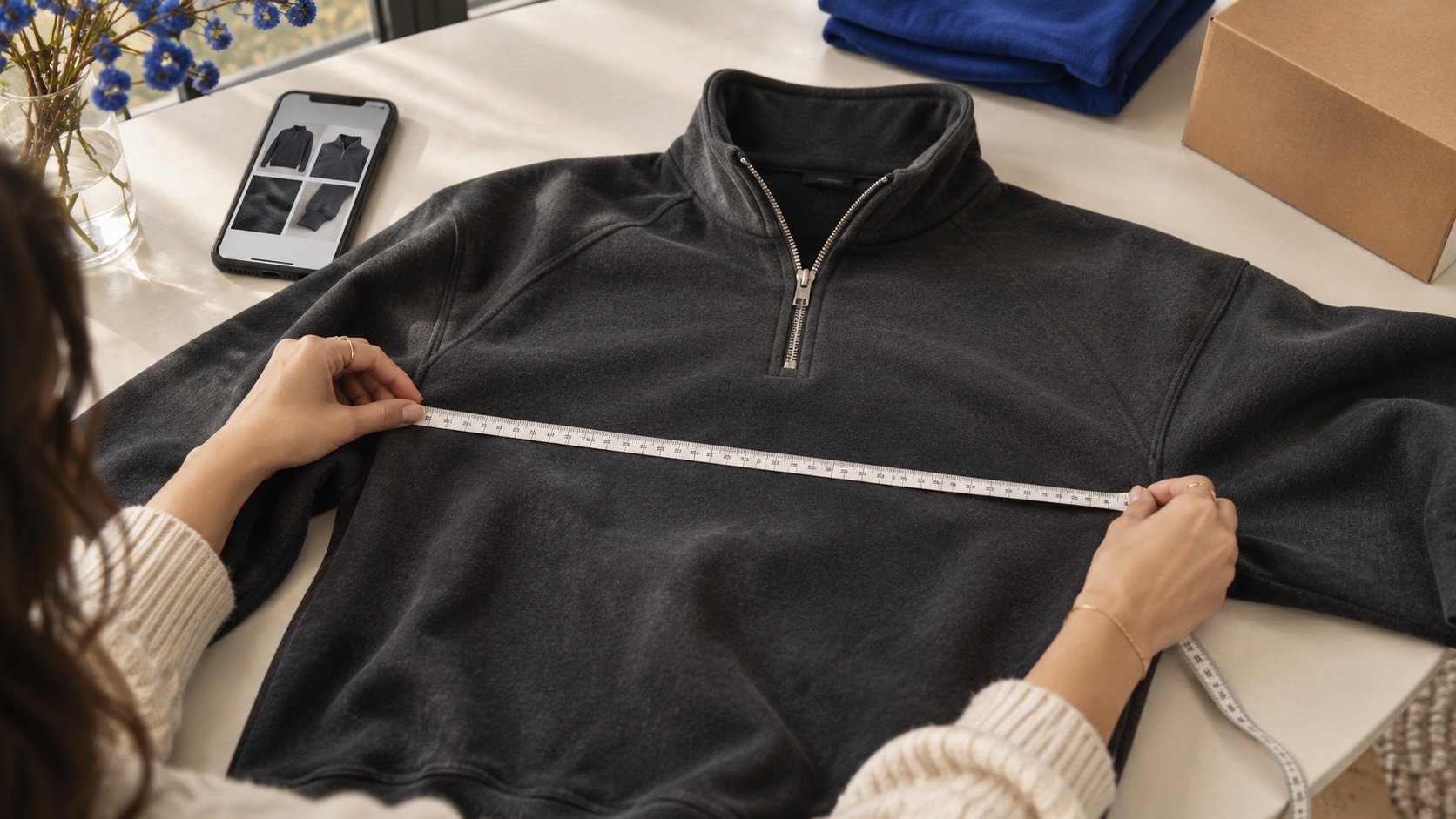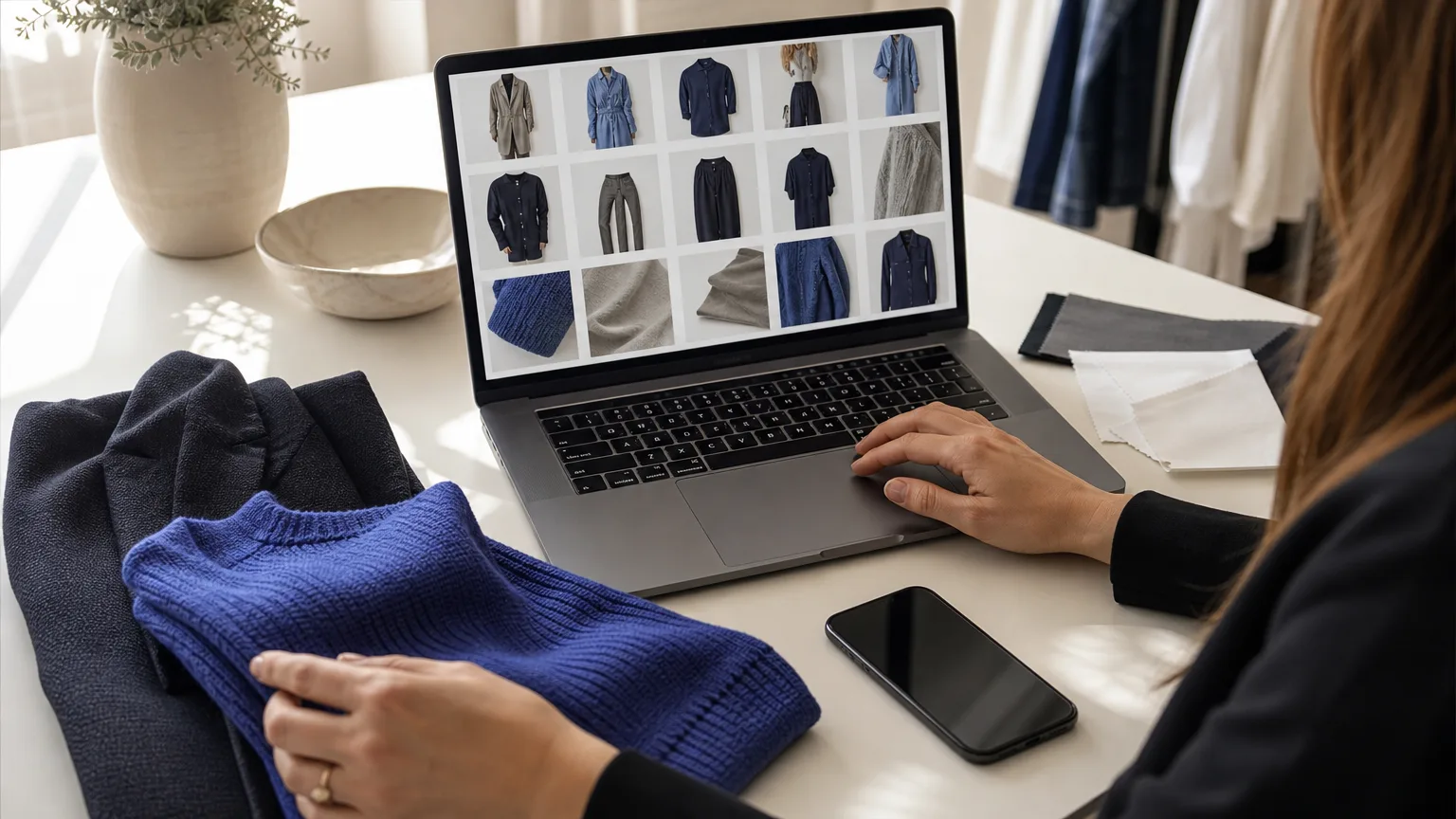
A useful clothing comparison starts with two questions: Are these photos showing the same variant, and can I actually see the detail that matters? FeteFinds is an independent searchable catalog, not the official USFans website. Use its listings and available quality-control (QC) photos to narrow your options. If you order through USFans, use the warehouse photos of your own item for the final check before international shipping.
Shortlist two or three exact listings
Start in the clothing catalog or search by model or brand. Save the exact URL for each listing you want to compare so you can reopen the same product pages side by side. QCFinds collects listings with QC photos and shows photo counts. Use the count to see how many images are available to inspect, not as a quality score.
For each listing, write down the color, size, and cut you’re considering. Then record what the QC photos actually identify. If the listing offers several colors and the photo set doesn’t say which one it shows, mark the color as unconfirmed. Do the same for size or cut. A good-looking photo of an unidentified variant doesn’t tell you how your chosen variant will look.
Look closer. Compare what you can see.
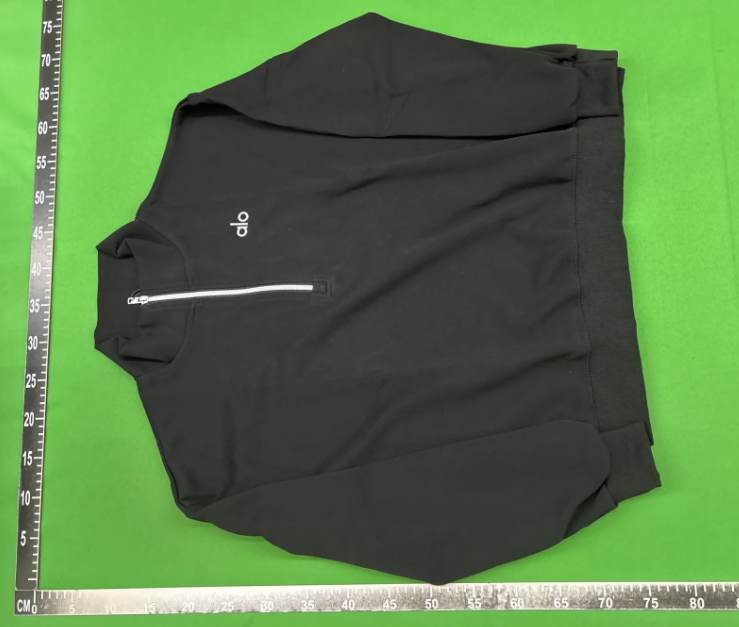
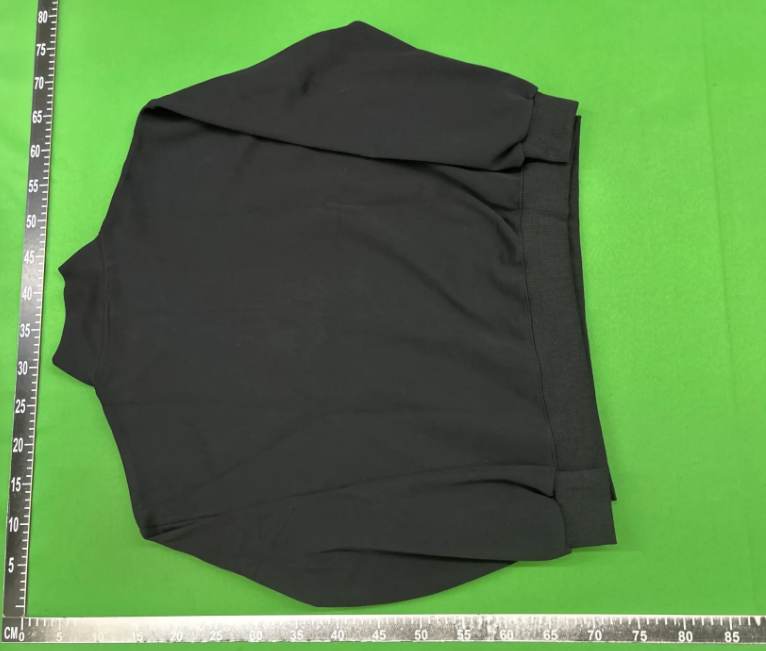
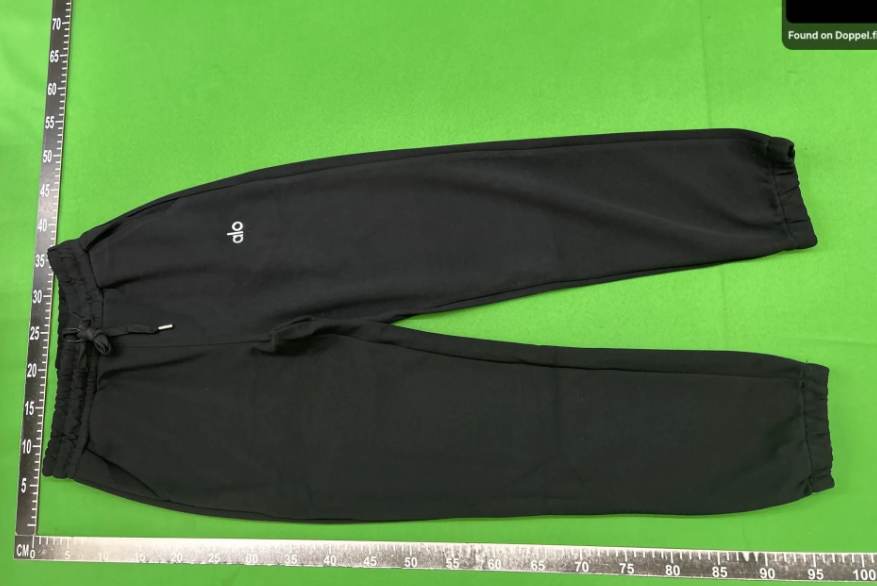
Compare matching views and flag missing details
Compare front with front and back with back before looking at close-ups. A flat front view and an angled shot can make the same cut look different. When the views match, check the details that matter to you: collar and cuff shape, seam alignment, print placement, and visible zippers or buttons.
Use different notes for different gaps. Unconfirmed means you can’t establish which variant the photo shows. Not shown means the angle or close-up you need is missing. For example, if one jacket has a clear zipper close-up and the other is only shown from a distance, you can compare their overall fronts, but you can’t compare the zipper details. The missing photo isn’t evidence of a defect. Likewise, a color difference under different lighting is a reason to check, not a firm conclusion.
Choose an exact listing
Confirm the variant
Review your warehouse photos
Check the shipping conditions
Compare measurements with a garment that fits
As a practical comparison method, use a garment you already own as a reference. Lay it flat and compare measurements taken with the same method and endpoints. Check whether a listing gives a flat width or a full circumference before comparing the numbers. If a photo has no readable scale, leave the measurement unknown rather than estimating it.
- For a top, compare flat chest width from armpit seam to armpit seam and body length measured from the same starting point on both garments.
- For trousers, compare flat waist width and inseam. For the inseam, use the crotch seam and the hem as the endpoints.
Review your own item before international shipping
Once you have a shortlist, review photos of your own item in the USFans warehouse before deciding about international shipping. USFans explains that photos are taken after the item arrives, and its guide points you to User Center → Warehouse. Use the related QC guide for the full pre-shipping checklist.
If a decision depends on a missing detail, USFans offers a paid Detailed Photo service for specific angles, close-ups or measurements. Ask exactly what you need: “Please lay the shirt flat and show the tape from armpit seam to armpit seam, with both endpoints and the numbers readable.”
Make the guide yours.
Use this quick check as you compare. Your selections stay on this device.
A few useful answers
Does a higher QC photo count mean better clothing?+
No. Photo count tells you how many images are available, not how well the garment is made. One clear measurement photo can be more useful than several views that don’t show the detail you need. [3][5]
How can I compare two listings when only one identifies the size?+
If one photo set identifies an M and the other does not identify a size, mark the second as size unconfirmed. You can still compare visible collar or zipper details, but do not conclude it has a looser fit just because it appears wider. Compare measurements of your chosen size using the same method. [3]